
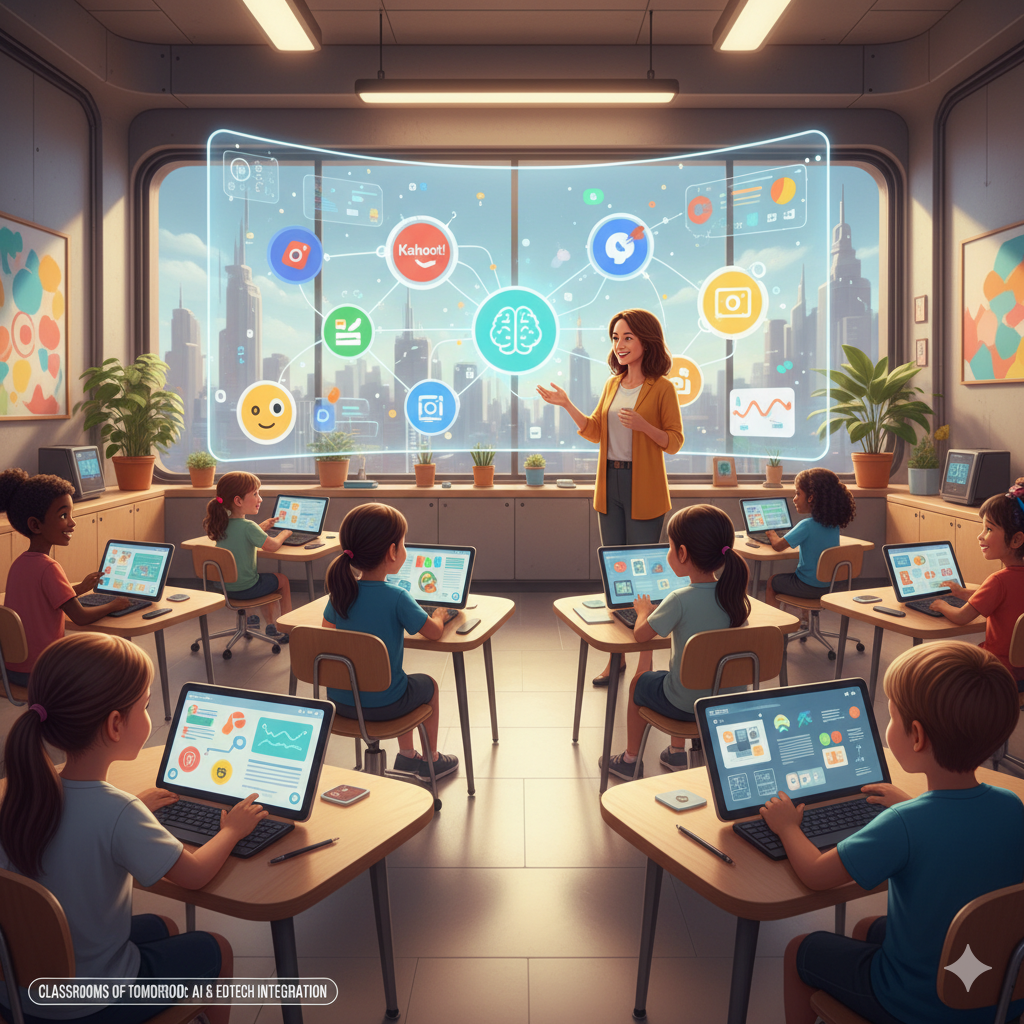
Artificial Intelligence (AI) is no longer a futuristic concept — it’s a real-world classroom companion. From simplifying organization to enhancing engagement, AI-powered tools are helping teachers build classrooms that are efficient, interactive, and student-focused.
Here are nine smart ways to use ChatGPT and modern EdTech tools to streamline your teaching practice and make learning more dynamic in 2026.

1️⃣ Create Exit Tickets with ChatGPT + Google Forms
Exit tickets help gauge student understanding at the end of a lesson. With ChatGPT, you can instantly generate tailored questions based on your lesson objectives, then use Google Forms to collect responses. This combo saves time while offering quick insights into what students learned — and what needs revisiting.
2️⃣ Gamify Learning with ChatGPT + Kahoot
Gamification keeps students excited about learning. Use ChatGPT to generate quiz questions aligned with your lesson topics, and import them into Kahoot. The result? Engaging, competitive games that reinforce knowledge while boosting participation and retention.
3️⃣ Form Student Groups Fairly with Wheel Decide
Group work can be tricky, especially when balancing abilities or personalities. Tools like Wheel Decide let you randomize group assignments fairly. It removes bias and ensures everyone gets a chance to collaborate with different classmates.
4️⃣ Design Classroom Rules & Expectations in Canva
Classroom rules don’t have to be boring. With Canva, you can create visually appealing posters that outline expectations, routines, and values. Combine that with ChatGPT’s help in drafting positive, student-friendly rule statements — and you’ve got a classroom culture that motivates.
5️⃣ Set Up Daily Routines in Google Docs or Trello
A well-structured classroom starts with routines. Use Google Docs to plan daily tasks or Trello to visualize weekly goals. ChatGPT can help you design templates for checklists, schedules, or even lesson trackers that keep your class running smoothly.
6️⃣ Run Quick Polls & Check-ins Using Mentimeter
Mentimeter is a great way to collect instant feedback or gauge student moods. Pair it with ChatGPT to create thoughtful poll questions that assess understanding, attitudes, or energy levels — all in real time.
7️⃣ Encourage Student Voice Through Poll Everywhere
Giving students a voice builds ownership and engagement. Poll Everywhere allows anonymous input during discussions or lessons. Use ChatGPT to craft open-ended questions that spark critical thinking and dialogue.
8️⃣ Make Participation Fun with Wheel of Names
If classroom participation feels repetitive, spice it up with Wheel of Names. Add all your students’ names, spin the wheel, and let chance decide who answers next. It’s a playful way to ensure everyone gets involved — and it keeps attention levels high.
9️⃣ Organize Seating Plans Creatively in Canva
Use Canva’s templates to create visually appealing seating charts. With ChatGPT’s help, you can strategize layouts that encourage collaboration, minimize distractions, or support learning needs — all while keeping your classroom visually organized.
✨ Bringing It All Together
AI isn’t replacing teachers — it’s empowering them. By combining ChatGPT with your favorite EdTech tools, you can create a classroom that’s organized, engaging, and responsive to every student’s needs.
In 2026 and beyond, effective classroom management isn’t just about structure — it’s about creativity, adaptability, and meaningful technology integration.