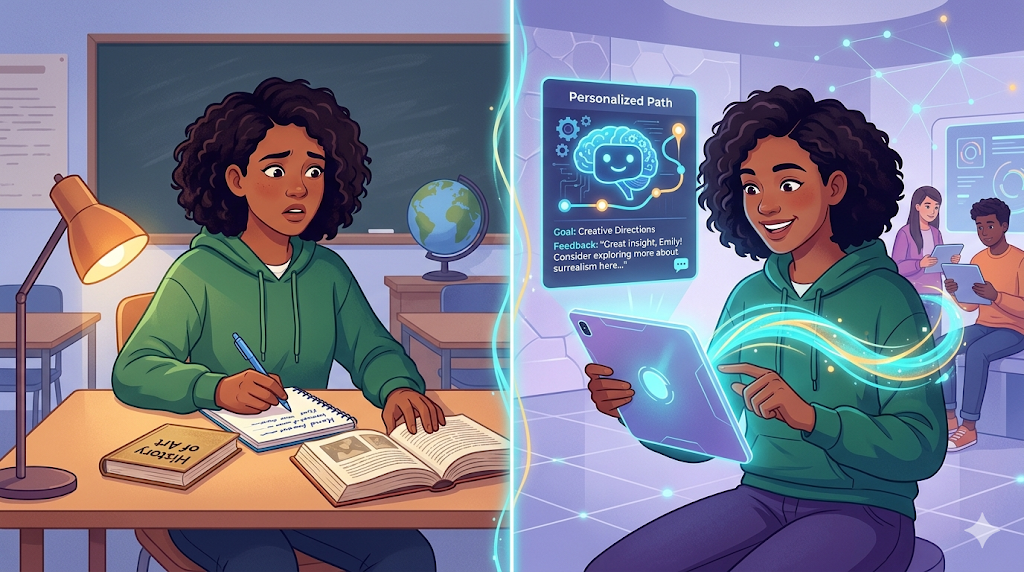
It’s Sunday night, and you need to explain fractions tomorrow without a roadmap. In practice, an AI Lesson Plan Generator acts as a tireless digital assistant to cure this panic. Think of these ai education tools like a recipe generator: you supply ingredients like topic and age, and your digital intern delivers step-by-step instructions. Industry data reveals learning how to automate teacher workflow saves hours of administrative work.

From Topic to Teaching: Master the Art of Giving Your AI Directions
Imagine asking a friend to pick up groceries without giving them a list. Using a lesson plan generator works the same way; the AI needs clear directions, known as a “prompt,” to succeed. Think of it as a digital assistant waiting for your exact instructions to turn a broad subject into a timed, step-by-step roadmap.
Crafting the best prompts for educational planning doesn’t require software expertise. Just use this simple recipe to build a smart pedagogical framework design (a well-structured teaching guide):
- [Topic]: The specific subject matter (e.g., The Water Cycle).
- [Grade Level]: The age of your audience (e.g., 3rd Grade).
- [Specific Objective]: The exact learning goal (e.g., Understand evaporation).
When the first result isn’t perfect, simply reply with feedback. Treating this process like a conversation—asking for “more fun activities” or “shorter reading”—quickly refines the output, creating a strong foundation for adapting the material to different student needs.
Differentiated Instruction for All Learners Without the Prep-Time Burnout
Every student learns differently, making group teaching challenging. Instead of manually rewriting lessons for varying reading levels, differentiated instruction using artificial intelligence acts as your instant translator. Simply ask your digital assistant to simplify the vocabulary or add visual aids, instantly creating personalized learning materials for diverse learners.
Pushing students beyond basic facts is also easier now. By incorporating Bloom’s Taxonomy in AI outputs—a teaching framework shifting kids from basic memorization to critically analyzing ideas—you can automatically generate discussion questions that successfully challenge higher-order thinking.
Finally, can AI generate rubrics and assessments quickly? Yes, it easily builds grading guides in under 60 seconds. However, you should always verify these outputs using this quick checklist:
- Clarity: Is the grading language simple?
- Fairness: Does the assessment actually match the lesson?
- Specificity: Are the expectations completely clear?
Always review these outputs carefully to ensure fairness and accuracy before bringing them into the classroom.
Fact-Checking Your AI: Ensuring Quality and Keeping the Human in Charge
Evaluating the quality of AI-generated teaching resources remains your critical job. Sometimes these digital assistants experience “hallucinations,” confidently inventing incorrect facts. When navigating traditional planning vs automated teaching tools, you must verify that outputs match reality. Think of AI as a fast typist operating standards-aligned content creation tools; it still needs your human empathy to catch mistakes. Once you master this essential oversight, you can confidently integrate these tools into your weekly workflow.
Start Saving Time Today: Your Simple Path to Smart Lesson Planning
Imagine a complete teaching guide appearing in seconds. With an AI Lesson Plan Generator, you can ditch endless paperwork, reclaim valuable hours each week, and start optimizing student engagement through automation. Tonight, simply pick a topic, generate a draft, and refine it. Your new digital assistant is ready!
It is Sunda