
Canva has introduced a new feature that many people don’t know about yet — you can now publish your ads directly from Canva to Meta Ads. This small update is actually a big change for anyone who creates ads online.
As someone who uses digital tools every day, I can say this update makes ad creation much faster and easier.
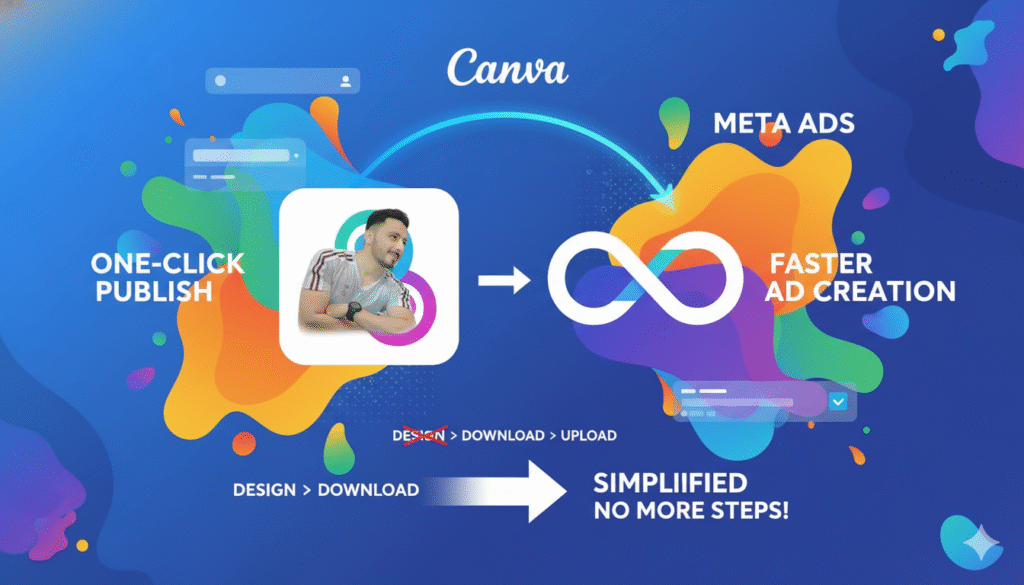
No More Downloading and Uploading
Before this update, you had to:
- Make your design in Canva
- Download it
- Go to Meta Ads Manager
- Upload the design again
- Adjust everything
Now, all you do is click one button in Canva and your ad goes straight to Meta Ads.
It saves time and removes extra steps.
Why This Update Is Important
This feature may look simple, but it helps in many powerful ways:
1. Faster Testing
You can quickly try many versions of your ad.
This helps you see which design works best.
2. Better Teamwork
Designers usually work in Canva.
Marketers usually work in Meta Ads.
Now both teams can connect easily without sending files back and forth.
3. Same Quality Every Time
Whatever you design in Canva will look exactly the same in Meta Ads.
No size problems, no missing elements.
In Digital Marketing, Speed Gives You an Advantage
When your workflow is fast, you can:
- Create more ads
- Test more ideas
- Improve your results
- Stay ahead of your competitors
This is why this update is so valuable, even if it looks small.
Final Thoughts — Try It Now
If you haven’t used this Canva–Meta Ads integration yet, this is the best time to try it. It makes your ad creation process:
- Faster
- Simpler
- More organized
And in today’s digital world, working smart is just as important as working hard.