It’s 8:00 PM on a Sunday, and you are staring at a blank document, agonizing over the exact phrasing that separates “Proficient” from “Developing.” We have all endured this exhausting ritual of manual rubric creation.
Rather than drafting from scratch, I now treat an AI grading rubric generator like a brilliant but literal intern. Serving as an eager pedagogical co-pilot, the tool eliminates blank-page syndrome and immediately shifts my role from stressed creator to expert curator.
Educational surveys consistently show that reducing grading workload with automated tools provides a fairer, more consistent baseline for evaluating student work. Ultimately, saving time on formative assessment design reclaims at least two lost weekend hours without ever sacrificing your pedagogical standards.
Turning Your AI into a Teaching Assistant: How to Write the Perfect Rubric ‘Recipe’
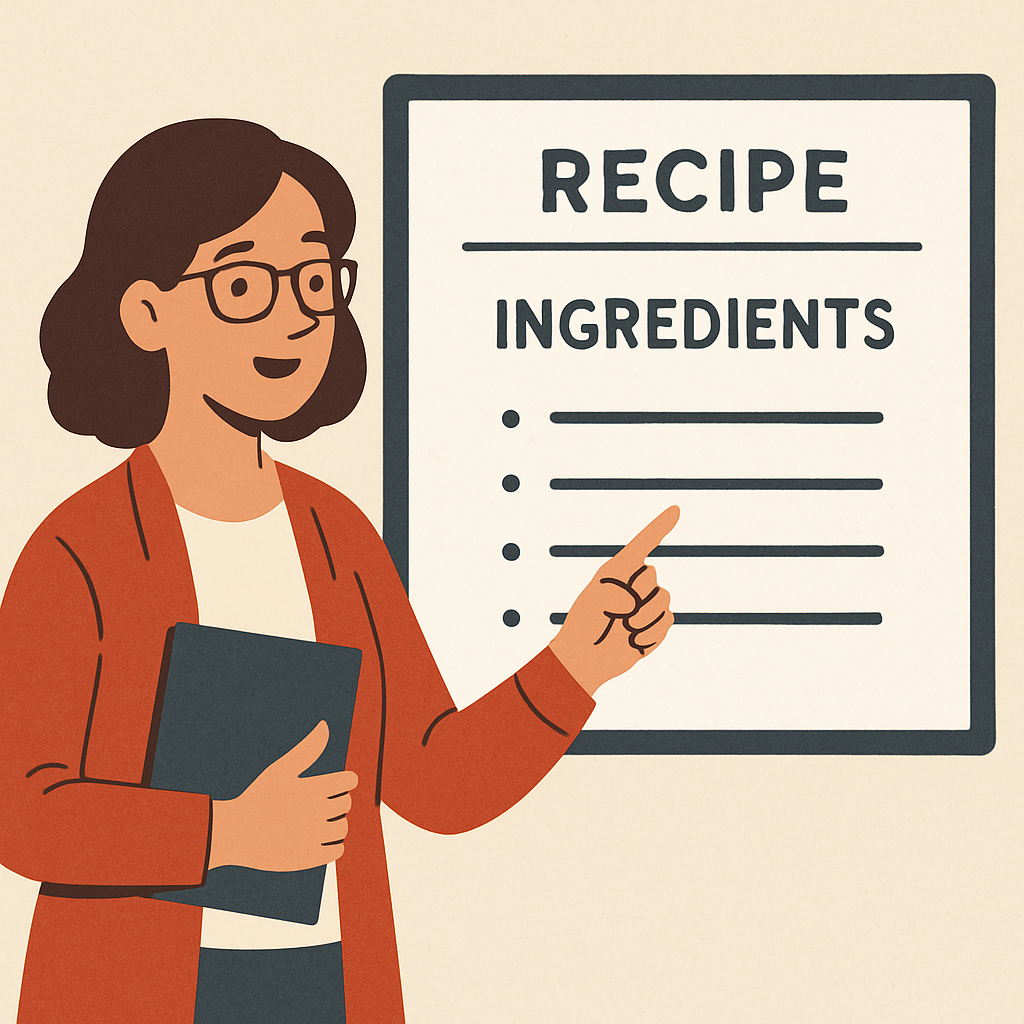
If you just ask a chatbot for an assessment, you might get a confusing, unusable document. Instead, treat prompting—the instructions you type—like a recipe. If you leave out the salt, the dish fails; if you skip the learning goal, the AI won’t assess the right skills. Mastering how to write prompts for grading rubrics turns blank-page anxiety into a highly predictable process.
To create a reliable AI grading rubric generator in your chat window, you must establish clear output parameters. These are the boundaries that keep your digital assistant focused on exactly what you need. Before pressing send, run through this ‘Recipe’ Checklist:
- Grade Level: Specify the audience (e.g., 10th-grade biology).
- Learning Objective: Pinpoint the exact skill (e.g., citing evidence).
- Format: Request a specific structure, like a 4-point scale.
Combining these three ingredients helps you generate a customized assessment framework in under 60 seconds. Once you master this basic recipe using the best AI tools for teacher assessment, the real pedagogical magic begins.
From Generic to Great: Aligning Your AI Rubric with Specific Standards
While your AI tool instantly drafts a basic grid, accepting its first attempt often yields vague criteria. The key difference in AI vs manual rubric creation for teachers is that you must actively guide the program. Otherwise, you risk generating a beautifully formatted but pedagogically hollow document.
Treat this process as a conversation using iterative refinement. Simply reply to the chatbot’s first draft with targeted adjustments, ensuring instructional alignment with AI tools without spending hours cross-referencing state manuals. Try pasting these follow-up prompts into your chat to sharpen a generic rubric:
- “Align to Common Core.”
- “Make it more rigorous.”
- “Add a column for self-assessment.”
Tweaking the output in layers means generating standards-aligned rubrics with AI takes two minutes instead of a Sunday evening marathon. You have successfully molded a generic template into a rigorous, expectations-based roadmap.
The Inclusion Hack: Customizing Rubrics for Diverse Learners in Two Clicks
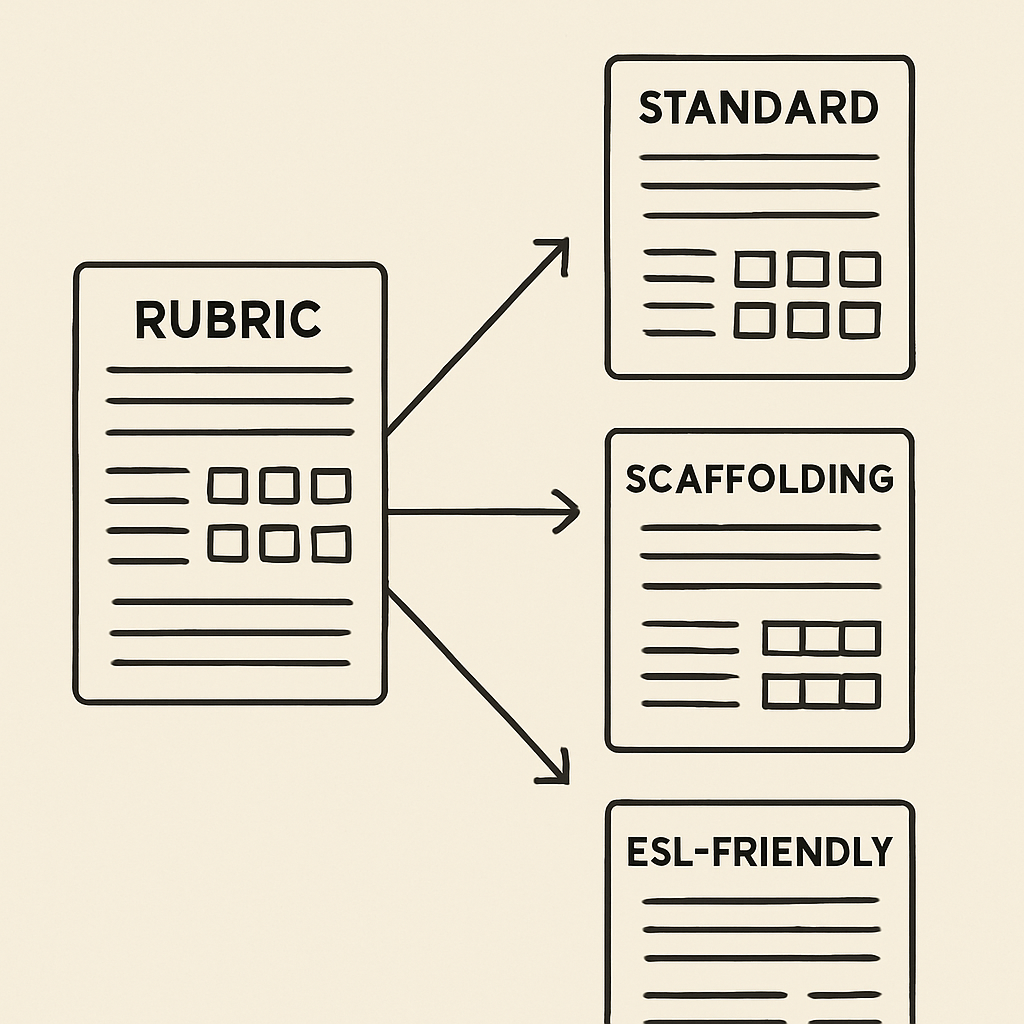
Modifying a single assessment for multiple learner levels usually demands hours of extra work.
Fortunately, customizing AI rubrics for diverse learners acts as an instant scaffolding shortcut. Whether you are adapting a middle school science project or using AI rubric generators for higher education to outline undergraduate lab expectations, the workflow remains identical. You simply take your rigorously aligned foundation and ask your AI assistant to spin off specialized, IEP-friendly versions.
Experiencing the benefits of AI-assisted feedback loops becomes immediately apparent when you watch the tool translate complex academic milestones into accessible steps. Try feeding the chatbot these quick ‘adjustment’ commands to instantly differentiate your original grid:
- Simplify language for ELL level 2
- Highlight scaffolded steps for IEP students
- Translate descriptors into Spanish
While the chatbot handles the heavy lifting of multilingual rubric generation and task scaffolding, it still requires your pedagogical oversight.
The ‘Human-in-the-Loop’ Check: How to Spot AI ‘Hallucinations’ and Bias
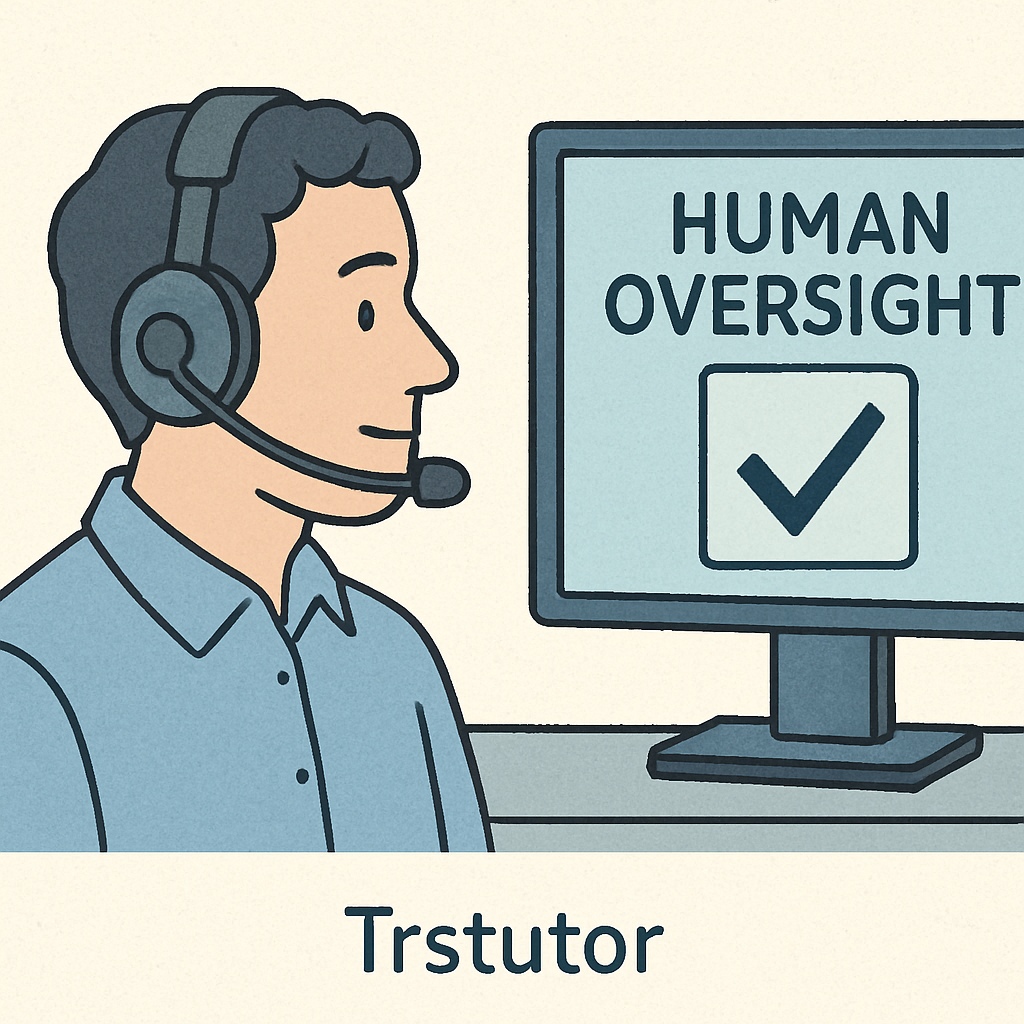
When educators ask, “can AI generate accurate grading criteria,” the answer is yes—if you remain the pilot. The chatbot acts as a teaching assistant requiring your pedagogical expertise to ensure the ethical use of AI in student evaluation. You would never let an intern finalize an exam without checking their work, and the same rule applies here.
Evaluating the quality of AI-generated rubrics means hunting for “hallucinations”—moments where the AI invents vaguely worded expectations. For instance, a chatbot might award points for “showing a good attitude,” which ignores measurable learning objectives. Your job is to catch these subjective descriptions and rewrite them into observable behaviors, keeping the assessment fair.
Applying this vital oversight guarantees your standards never slip, transforming an AI draft into an equitable roadmap for student success.
Your New Monday Morning Strategy: A 3-Step Action Plan to Reclaim Your Time
You have officially made the leap from Sunday Night Stress to AI Efficiency. Using AI for classroom rubric design establishes a repeatable system for grading consistency across different classes without burning the midnight oil.
Take the first step toward integrating AI into existing grading workflows tomorrow morning. Implement a 3-step workflow to reduce prep time by 70% using The ‘3-Minute Rubric’ Action Plan:
- Input the ‘Recipe’
- Run the ‘Standard Alignment’ check
- The ‘Human Pilot’ final pass
Using an AI grading rubric generator isn’t about replacing your pedagogical expertise; it is about amplifying it. Try creating just one rubric tomorrow, and measure your immediate success by the hours of personal time you save and the crystal-clear clarity your students receive.