Written by Sohail Ahmad | aisohail.com
Most creators think OpenAI’s Sora 2 is the only serious AI video generator worth using.
But here’s the truth — seven other AI video tools might fit your workflow even better.
Choosing the “best” model depends on what you actually want to create: cinematic storytelling, social clips, ad edits, or long-form visuals.
This guide breaks down each major tool, their real strengths, and where they fit best in your creative process.
🎬 1. Google Veo 3 — ★★★★★
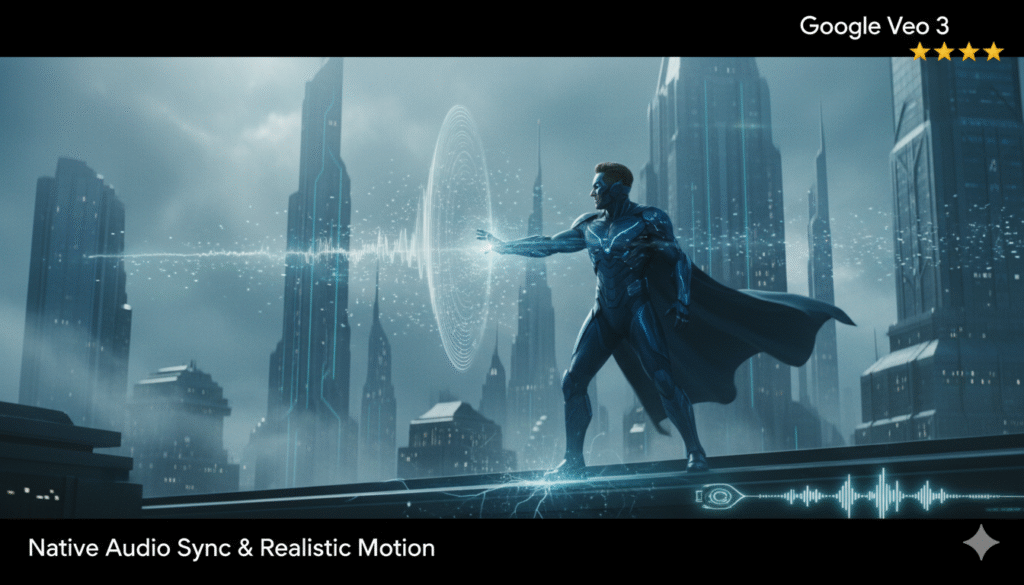
Best for: Native audio sync & realistic motion
Google Veo 3 sets a new bar for visual and audio realism. It doesn’t just generate motion; it understands soundscapes, dialogue, and physics — all synced in one clip.
Highlights:
- Realistic physics & motion
- Native audio generation (SFX, ambience, voice)
- Integrated with Gemini API for text + vision workflows
Pros: Stunning cinematic quality, strong audio-visual sync
Cons: Limited to 8s clips, global access still restricted, pricing varies
✅ Ideal for filmmakers and AI creators focused on cinematic realism.
🎨 2. Runway (Gen-3 + Aleph) — ★★★★★
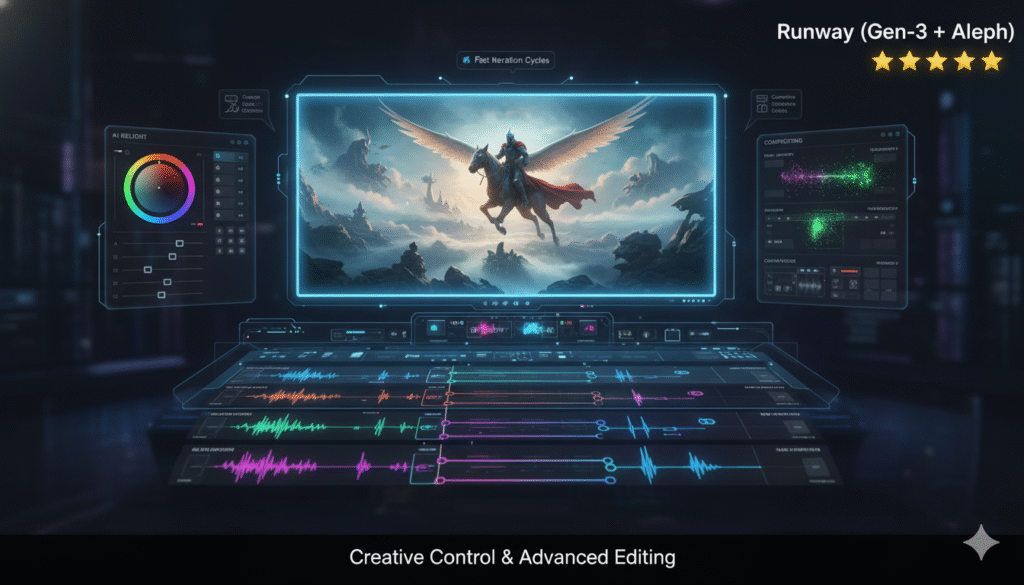
Best for: Creative control & advanced editing
Runway continues to lead the creative AI space. Its Gen-3 model delivers fluid camera motion, while Aleph adds powerful editing, relighting, and compositing tools.
Highlights:
- Timeline-based video editing
- AI relight & compositing
- Fast iteration cycles
Pros: Complete control over scenes, flexible styles, continuous updates
Cons: Paid tiers ($12–$95/mo), Gen-3 clips limited to 8s
✅ Perfect for editors, VFX creators, and social storytellers.
🎥 3. OpenAI Sora 2 — ★★★★★
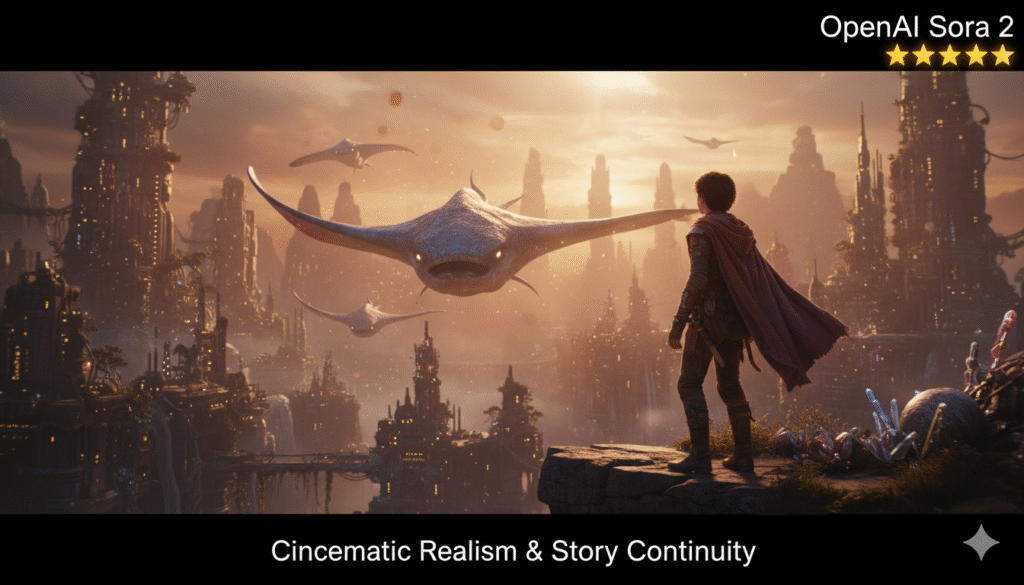
Best for: Cinematic realism & story continuity
Sora 2 remains the benchmark for photorealistic AI video. With improved motion depth, stable tracking, and synced audio (in beta), it delivers short clips that look shockingly real.
Highlights:
- Natural motion & character continuity
- Beta-level synced audio
- Standalone app experience
Pros: Best cinematic realism available
Cons: Strict content filters, limited rollout, complex prompt handling
✅ Ideal for cinematic shorts, concept films, and high-end storytelling.
🎞️ 4. Luma Dream Machine — ★★★★☆
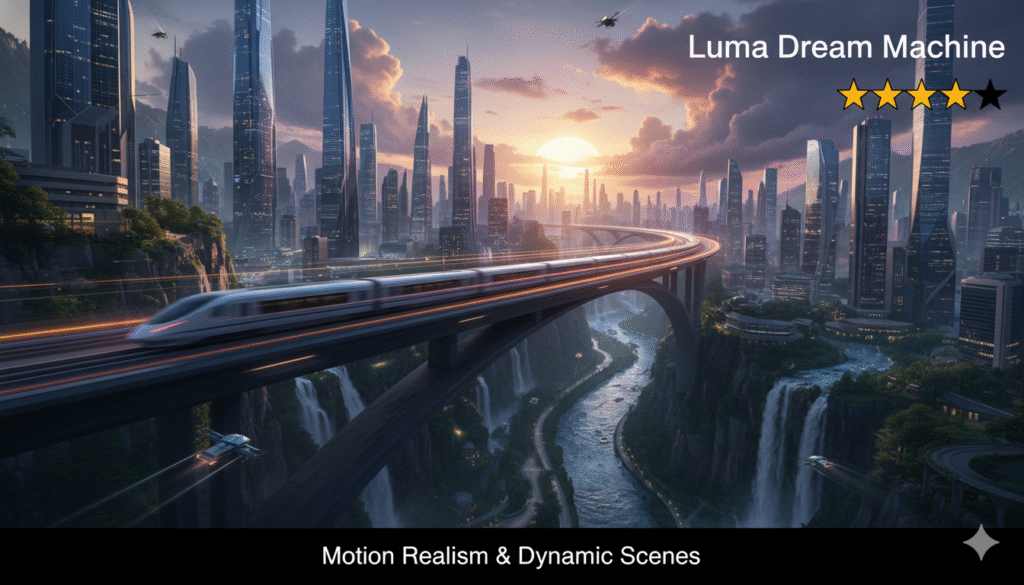
Best for: Motion realism & dynamic scenes
Luma’s Dream Machine is a strong contender for creators seeking fluid, lifelike motion. It’s intuitive, web-accessible, and delivers fast, cinematic-quality clips.
Highlights:
- Smooth camera movements
- Balanced speed and quality
- Works on web and iOS
Pros: Great motion physics, accessible UI
Cons: Limited clip duration, weaker text rendering
✅ Best for creators who value movement and realism.
🌍 5. Kling 2.1 — ★★★★☆
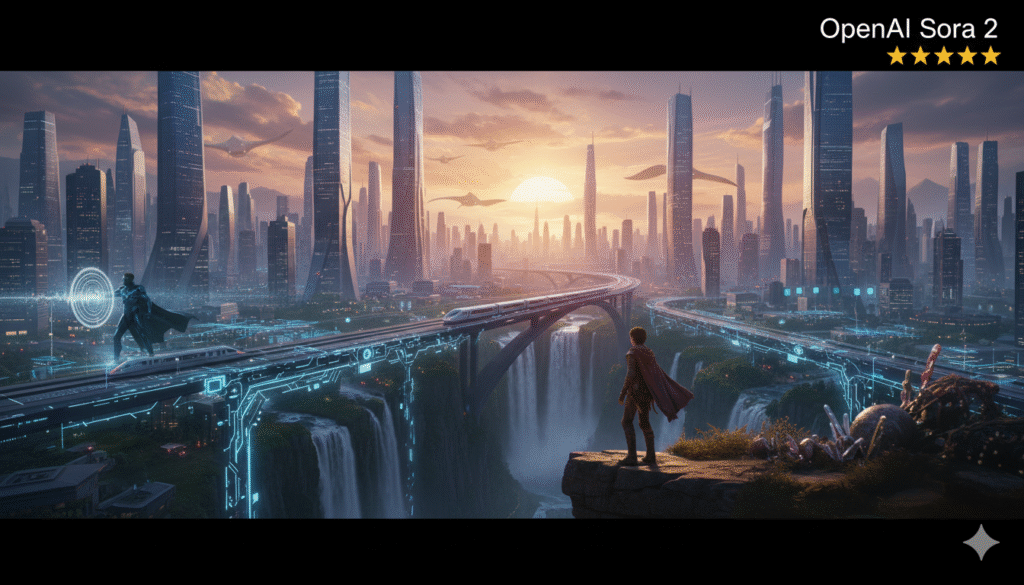
Best for: General-purpose video generation
Kling 2.1 offers 1080p quality, text-to-video and image-to-video support, and an API-friendly system for developers. It’s a versatile tool for multi-purpose content creation.
Highlights:
- High-fidelity motion
- Editable long-form clips
- API support for automation
Pros: Realistic output, diverse prompt handling
Cons: Long-form stability still in testing, audio unclear
✅ Excellent for studios and developers building scalable video workflows.
🔊 6. WAN 2.5 — ★★★★☆
Best for: Audio-visual sync & voice-matched content
WAN 2.5 stands out for lip-sync accuracy and sound integration. It’s optimized for short, social-style clips with natural voice and motion synchronization.
Highlights:
- Audio + voice sync
- Smooth transitions
- Ideal for short social clips
Pros: Great for creators focusing on dialogue-driven videos
Cons: Short duration, early-stage ecosystem
✅ Perfect for influencers, educators, and short-form storytellers.
⚡ 7. Pika Labs 2 — ★★★★☆
Best for: Fast, social-ready video clips
If you need speed and simplicity, Pika Labs 2 is unbeatable. With fast rendering and clips up to 25 seconds, it’s designed for social platforms like TikTok and Instagram.
Highlights:
- Quick generation & remix
- Easy re-prompting
- Longest video duration (25s)
Pros: Extremely fast, easy to use, best for trends and memes
Cons: Less realism, occasional physics issues
✅ The go-to AI tool for social media creators and marketers.
🧩 8. Adobe Firefly Video — ★★★☆☆
Best for: Professional editing & brand-safe output
Adobe’s Firefly Video integrates directly with Premiere Pro and After Effects, offering AI-powered Generative Fill and Extend tools. Its focus is on brand safety and production reliability.
Highlights:
- Native Adobe integration
- Commercial-safe training data
- Real-world editing extensions
Pros: Great for agencies and brand content
Cons: Requires Creative Cloud, less experimental
✅ Built for professional editors who prioritize brand safety.
🧠 So… Which AI Video Tool Should You Use?
| Goal | Recommended Tool |
|---|---|
| Cinematic & storytelling | OpenAI Sora 2 |
| Realistic audio | Google Veo 3 or WAN 2.5 |
| Creative editing | Runway (Aleph) |
| Social content | Pika Labs 2 |
| Motion realism | Luma Dream Machine |
| Brand safety | Adobe Firefly Video |
| API automation | Kling 2.1 |
🏁 Final Thoughts
There’s no single “best” AI video tool — only the best for your use-case.
If you’re a filmmaker, choose realism.
If you’re a marketer, choose speed.
If you’re a developer, choose integration.
AI video generation in 2026 isn’t about tools — it’s about how you combine creativity with technology to tell your story faster, smarter, and better.