25 Best Free AI Tools in 2026 (Beginner-Friendly Guide)
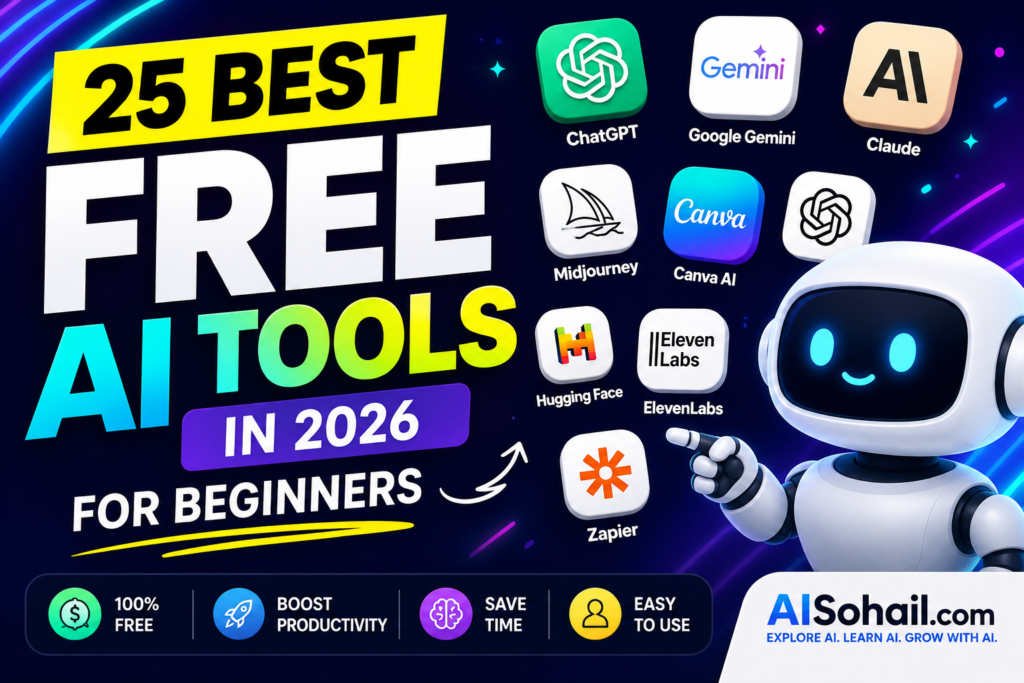
In this guide from AISohail.com, you’ll discover the 25 best free AI tools in 2026 that are easy to use and perfect for beginners.
Whether you’re a student, blogger, freelancer, content creator, or business owner, the right AI tool can help you save time and improve your productivity.
Artificial Intelligence (AI) is changing the way people work, study, and create content. The best part is that many powerful AI tools are completely free to use.
Why Use Free AI Tools?
- Write blog posts and emails
- Generate high-quality images
- Create videos
- Improve coding skills
- Translate languages
- Summarize documents
- Increase productivity
- Automate repetitive tasks
Many of these tools offer generous free plans, making them ideal for users who are just getting started.
1. ChatGPT
Best For: Writing, brainstorming, coding, learning
ChatGPT is one of the most popular AI assistants in the world. It can answer questions, generate content, explain complex topics, and help with programming.
Key Features
- AI writing assistant
- Coding support
- Content ideas
- Email writing
- Learning assistant
2. Google Gemini
Best For: Google Workspace users
Gemini integrates well with Google services and helps users research, summarize information, and generate content quickly.
Key Features
- Research assistance
- AI writing
- Image understanding
- Google integration
3. Claude AI
Best For: Long-form writing
Claude AI is known for producing natural, detailed, and accurate responses. It works especially well for articles, reports, and research.
Key Features
- Long conversations
- Document analysis
- Creative writing
- Coding help
4. Microsoft Copilot
Best For: Office productivity
Microsoft Copilot helps users write documents, create presentations, summarize emails, and improve workflow.
5. Perplexity AI
Best For: AI-powered search
Instead of browsing dozens of websites, Perplexity provides direct answers with sources, making research faster and easier.
6. Canva AI
Best For: Graphic design
Create social media posts, presentations, logos, and marketing materials with AI-powered design tools.
7. Grammarly
Best For: Grammar and writing improvement
Grammarly helps users write professional emails, blog posts, and documents without grammar mistakes.
8. Notion AI
Best For: Productivity
Notion AI helps organize notes, summarize meetings, generate content, and manage projects.
9. Leonardo AI
Best For: AI image generation
Generate realistic images, illustrations, and digital artwork using simple prompts.
10. Ideogram AI
Best For: AI-generated text images
Create posters, thumbnails, logos, and typography designs with ease.
11. DeepL Translator
Translate documents accurately using AI-powered translation technology.
12. ElevenLabs
Generate realistic AI voiceovers for YouTube videos, podcasts, and presentations.
13. CapCut AI
Edit videos with AI features like automatic captions, background removal, and smart editing.
14. Gamma AI
Create beautiful presentations without spending hours designing slides.
15. GitHub Copilot
A helpful coding assistant that speeds up software development.
16. QuillBot
Rewrite sentences, paraphrase text, and improve writing quality.
17. Otter AI
Automatically transcribe meetings and lectures into searchable notes.
18. Poe AI
Access multiple AI models from one platform.
19. Flow AI
Generate creative videos with AI-powered workflows.
20. Pixlr AI
Edit images online using AI-powered enhancement tools.
21. Remove.bg
Remove image backgrounds instantly.
22. Runway
Create AI-powered videos with advanced editing features.
23. NotebookLM
Use AI to organize and understand your notes and documents.
24. Hugging Face
Explore thousands of open-source AI models for development and research.
25. Zapier AI
Automate repetitive workflows between your favorite apps.
Which Free AI Tool Is Best?
The right choice depends on your goals:
| Goal | Recommended Tool |
|---|---|
| Writing | ChatGPT |
| Research | Perplexity AI |
| Images | Leonardo AI |
| Design | Canva AI |
| Coding | GitHub Copilot |
| Productivity | Notion AI |
| Voice | ElevenLabs |
| Video | Runway |
Tips for Beginners
- Start with one or two AI tools instead of trying everything at once.
- Use AI to assist your work, but always review and edit the results.
- Experiment with prompts to get better outputs.
- Take advantage of free plans before upgrading.
Frequently Asked Questions
Are free AI tools really free?
Yes. Most AI tools offer free plans with limited usage, while premium plans unlock additional features.
Which AI tool is best for beginners?
ChatGPT is one of the easiest AI tools to start with because of its simple interface and wide range of capabilities.
Can I use free AI tools for business?
Yes. Many businesses use free AI tools for writing, marketing, customer support, design, and productivity.
Which AI tool is best for creating images?
Leonardo AI and Ideogram AI are excellent options for generating high-quality AI images.
Final Thoughts
Artificial intelligence is becoming an essential part of everyday work and learning. The tools listed above can help you write better, design faster, create engaging content, and improve productivity without spending money.
As AI technology continues to evolve, learning how to use these free AI tools will give you an advantage whether you’re a student, freelancer, content creator, or business owner.
Keep visiting AISohail.com for the latest AI tutorials, tool reviews, comparisons, and beginner-friendly guides.